
Download i Ready – free e‑learning app for K‑12 students
Overview
i‑Ready, created by Curriculum Associates, LLC, is a free‑to‑download e‑learning aid designed specifically for K‑12 classrooms. The platform blends reading and mathematics instruction with adaptive diagnostics, interactive mini‑games, and a library of bite‑size lessons that extend the traditional classroom experience into a secure, cloud‑based environment. Students who are enrolled in the i‑Ready Learning program can access the tool from both desktop browsers and mobile devices, allowing teachers to assign personalized practice that aligns with each learner’s skill level.
While i‑Ready does not replace a teacher, it acts as a supplemental resource that reinforces concepts, offers immediate feedback, and tracks progress throughout the school year. The freemium model means core diagnostic and instructional content are available at no cost, while premium modules can be unlocked by schools seeking deeper analytics. By harnessing data‑driven insights, i‑Ready helps educators identify learning gaps, set growth targets, and monitor achievement in real time.
Its user‑friendly interface, colorful graphics, and game‑like elements aim to keep students engaged, even when the material becomes challenging. Overall, i‑Ready strives to create a seamless bridge between classroom instruction and independent practice, making learning both enjoyable and measurable.
Key Features & Benefits
- Adaptive Diagnostic Assessments: Computer‑adaptive tests in reading and mathematics adjust difficulty based on each answer, delivering a precise snapshot of a student’s current abilities.
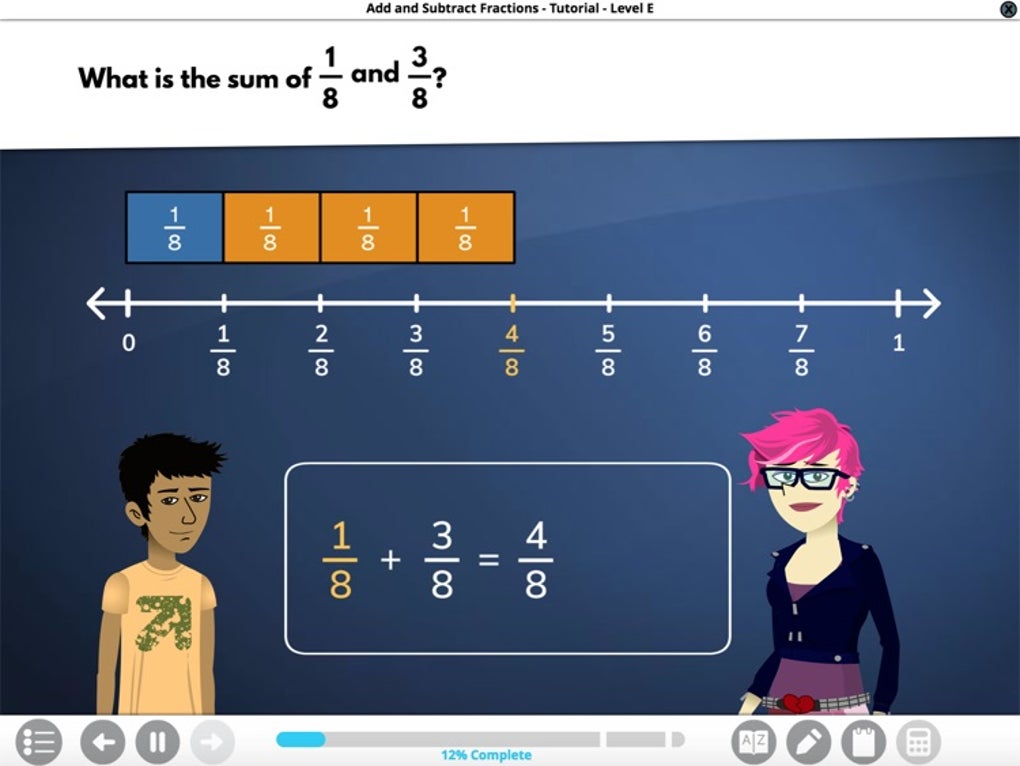
- Personalized Instructional Paths: After the diagnostic, i‑Ready generates individualized lesson plans that target specific skill gaps, ensuring that every student works at an appropriate pace.
- Interactive Mini‑Games: Engaging, curriculum‑aligned games reinforce concepts in a low‑stakes environment, helping maintain motivation and promote retention.
- Progress Monitoring Dashboard: Teachers receive real‑time analytics, including growth charts, mastery reports, and class‑wide trends, all viewable from a secure web portal.
- Cross‑Platform Accessibility: Available on Windows, macOS, iOS, and Android, the app syncs data instantly, allowing students to continue learning at home or on the go.
- Curriculum Alignment: Content aligns with Common Core State Standards (CCSS) and other state standards, making it easy for educators to integrate lessons into existing plans.
- Secure Data Management: All student data is encrypted in transit and at rest, complying with FERPA and COPPA regulations.
- Free Core Modules: Core diagnostic and instructional components are offered at no cost, reducing budget barriers for schools.
The combination of these features creates a powerful learning ecosystem. Adaptive diagnostics ensure that assessments are neither too easy nor too hard, while personalized instruction guarantees that each learner receives the exact practice they need. The inclusion of game‑based elements tackles the common challenge of keeping young students engaged, and the robust reporting tools free teachers from manual data entry, allowing more time for direct instruction. Moreover, the cross‑platform nature of i‑Ready means that learning is not confined to the classroom; students can reinforce concepts during after‑school hours or on weekend trips, all while teachers retain full visibility of progress. By aligning with national standards and emphasizing data security, i‑Ready positions itself as a trustworthy partner for schools seeking to modernize their instructional toolkit.
Installation, Usage & Compatibility
Getting Started – Download and Install
i‑Ready can be accessed in two primary ways: through a web browser on any computer or via dedicated mobile apps for iOS and Android. To begin, educators should visit the official i‑Ready website, create a school account, and generate unique login credentials for each student. Once the account is active, students can either:
- Navigate to www.curriculumassociates.com/ready using Chrome, Firefox, Safari, or Edge, and sign in with their school‑issued username and password.
- Download the i‑Ready app from the Apple App Store or Google Play Store, install it on a tablet or smartphone, and log in with the same credentials.
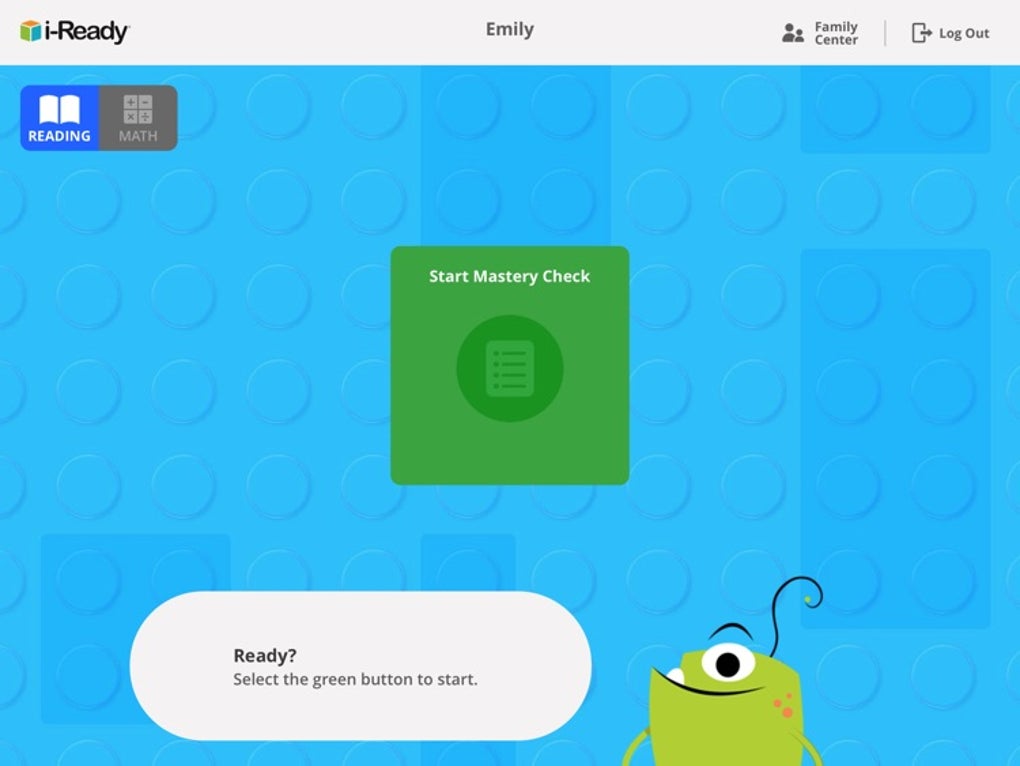
The installation process typically takes less than five minutes. After the first login, the app prompts the user to complete a brief profile, after which the adaptive diagnostic automatically launches. For schools that employ a single sign‑on (SSO) system, i‑Ready also supports SAML‑based authentication, simplifying user management for IT administrators.
How to Use i‑Ready Effectively
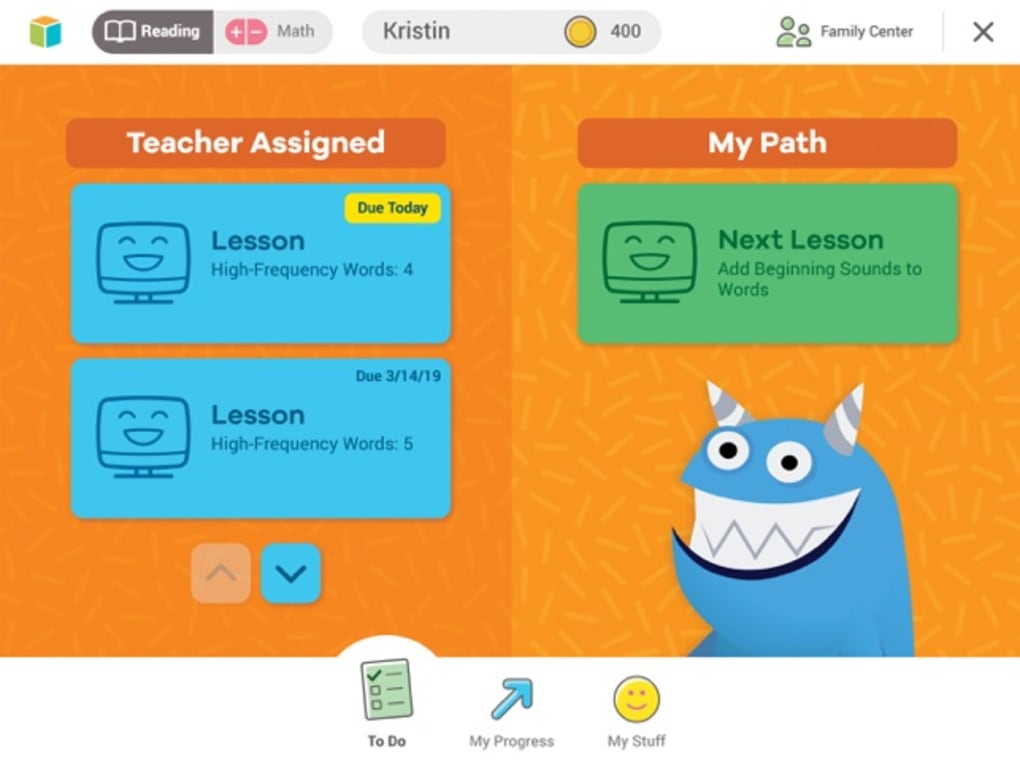
Once logged in, students encounter a clean dashboard divided into three tabs: Diagnostic, Instruction, and Game‑Play. The Diagnostic tab initiates a timed, adaptive test that typically lasts 20‑30 minutes per subject. After completion, the platform instantly processes results and populates the Instruction tab with a curated set of lessons matching the learner’s proficiency level. Teachers can monitor which lessons are assigned, track completion rates, and view mastery scores in real time.
The Game‑Play tab offers short, skill‑focused mini‑games that reinforce the concepts covered in the instructional lessons. These games are optional but highly recommended for students who benefit from frequent, low‑stakes practice. Teachers can set daily or weekly practice goals, and the system sends automated reminders to students via email or in‑app notifications.
Supported Operating Systems: Windows 10 or later, macOS 10.13 or later, iOS 12 or later (iPad and iPhone), Android 8.0 or later. The web version works on all major browsers, while the mobile apps are optimized for tablets to provide a larger interactive surface.
For best performance, ensure that devices have at least 2 GB of RAM, a stable internet connection (minimum 3 Mbps), and that browser extensions blocking cookies or scripts are disabled. Schools can also integrate i‑Ready with Learning Management Systems (LMS) such as Canvas, Schoology, or Google Classroom using LTI 1.3, enabling single‑click access from within existing digital classrooms.
Pros & Cons, FAQ & Final Thoughts
Pros
- Highly adaptive diagnostics provide accurate, individualized data.
- Free core modules reduce financial barriers for schools.
- Cross‑platform availability ensures learning continuity.
- Robust teacher dashboard saves time on assessment analysis.
- Game‑based practice keeps younger learners motivated.
Cons
- Synchronization between in‑app lessons and classroom pacing can be challenging.
- Some students find the interface repetitive after extended use.
- Occasional technical glitches may cause progress loss during diagnostics.
- Premium analytics and advanced reporting require additional licensing fees.
- Limited offline capability; a stable internet connection is essential.
Frequently Asked Questions
Is i‑Ready truly free for all students?
The core diagnostic and instructional content is free for any school that registers for the i‑Ready Learning program. Additional premium features, such as advanced reporting or supplemental content libraries, may require a paid license.
Can i‑Ready be used on a Chromebook?
Yes. i‑Ready’s web version runs smoothly on Chrome OS, provided the browser is up‑to‑date and the device meets the minimum RAM and connectivity requirements.
How often should students take the diagnostic assessment?
Most educators schedule a baseline diagnostic at the start of the school year, followed by a mid‑year check‑in and a final assessment in spring. However, the platform allows ad‑hoc testing whenever a teacher notices a significant change in a student’s performance.
Does i‑Ready integrate with existing LMS platforms?
Yes. i‑Ready supports LTI 1.3 integration, allowing seamless launch from Canvas, Schoology, Google Classroom, and other popular learning management systems.
What security measures protect student data?
All data is encrypted both in transit (TLS 1.2) and at rest. i‑Ready complies with FERPA, COPPA, and GDPR‑E, ensuring that personal information is stored securely and only accessible to authorized educators.
Conclusion & Call to Action
i‑Ready represents a solid step forward in the digital transformation of K‑12 education. Its adaptive diagnostics, personalized lesson paths, and engaging game‑based practice provide tangible benefits for both teachers and students. While occasional technical hiccups and the need for careful alignment with classroom pacing can be drawbacks, the platform’s free core offering and robust analytics outweigh these concerns for most districts.
Educators seeking a data‑driven, standards‑aligned supplement to traditional instruction will find i‑Ready a valuable addition to their teaching arsenal. Ready to enhance your students’ learning journey? Download i‑Ready today, register your school, and explore the free diagnostic that can instantly reveal where each learner stands. Empower teachers with actionable insights and give students the personalized practice they need to succeed.



.png)



